

Online Merchant Guide
Онлайн Мерчант Гарын Авлага
Мерчант: Бонум-ын харилцагч
Мерчант портал:
https://merchant.bonum.mn/
— Бонум-ын хэрэглэгчийн систем
Хэрэглэгч: Мерчантаас үйлчилгээ авч буй хэрэглэгч
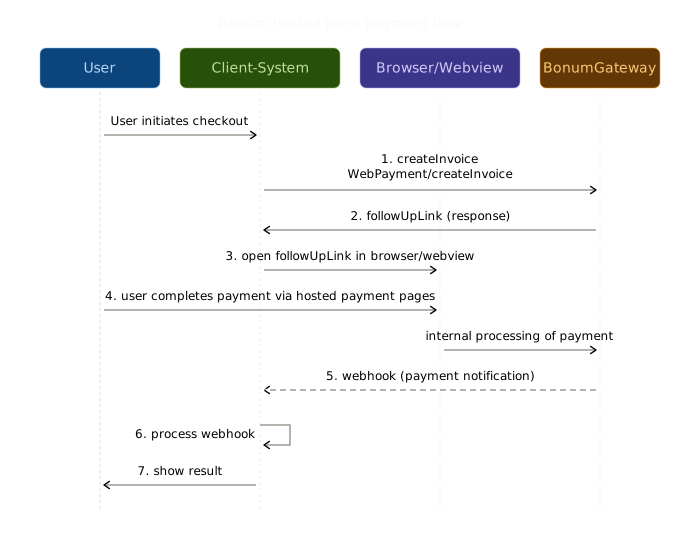
Мерчант нь Мерчант портал дээрх бүртгэлтэй мэйл хаягийг авсан байна. Бонум нь Мерчантын бүртгэлийг Мерчант порталд үүсгэж терминал болон "SecretKey"-ийг үүсгэсэн байна.
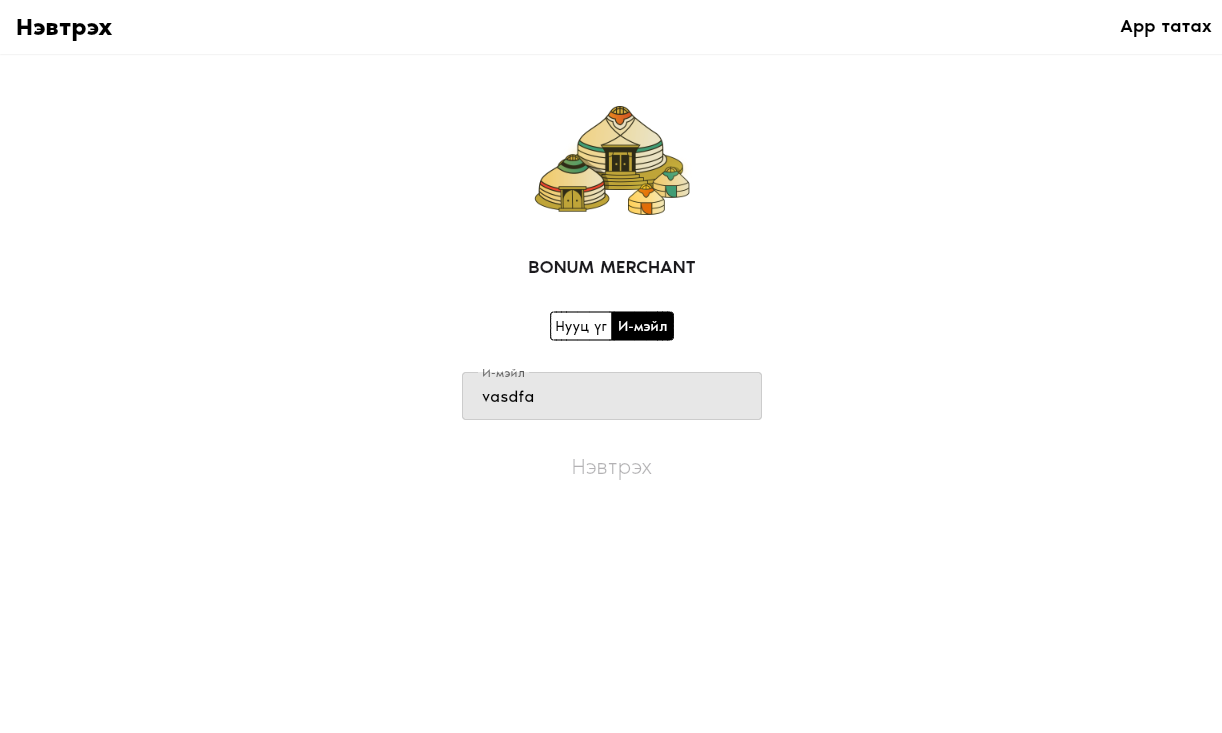
https://merchant.bonum.mn/ И-мэйл хэсэгт бүртгэлтэй мэйл хаягаа оруулж OTP хүлээн авч нэвтэрнэ.
Мерчантад дараах боломжууд байгаа:
- Карт холбох (Tokenization)
- E Commerce (Картын гүйлгээ)
- QR Invoice үүсгэх
- Payment Plan үүсгэж төлбөр авах
Payment Plan нь тогтмол хугацаагаар төлбөр суутгаж авахад зориулсан функц юм.
Жишээ нь: Долоо хоног бүр эсвэл сар бүрийн 1-нд төлбөр авах гэх мэт автоматаар төлбөр авахад ашиглана.
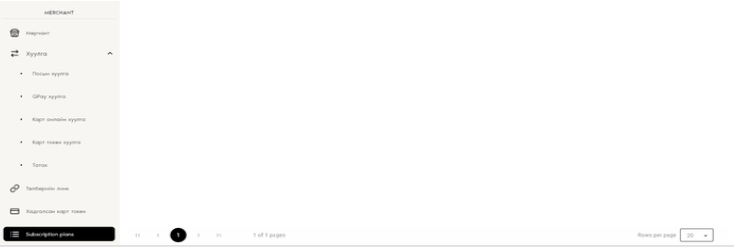
Мерчант нь PaymentPlan-ийг Мерчант портал эрхээр нэвтэрч үүсгэнэ.
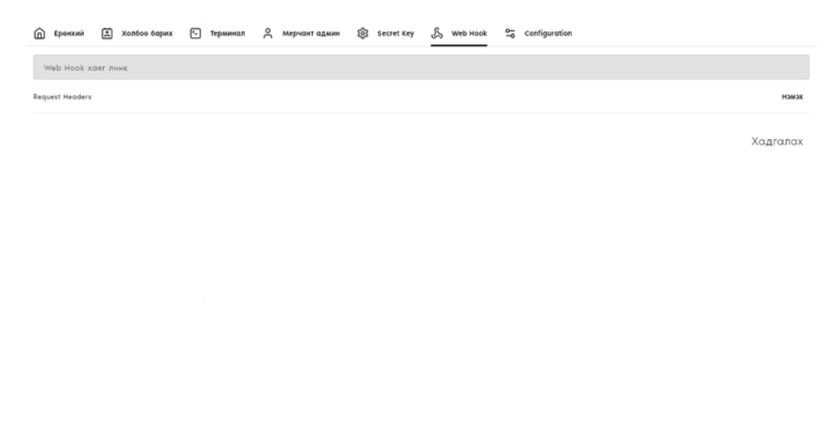
Мерчант өөрийн Webhook URL-ыг Бонумын ажилтанд өгч бүртгүүлнэ.
Ямар нэгэн төлбөр хийгдэх бүрд Webhook рүү мэдээлэл дамжуулна.
WebHook нь "POST METHOD" ашиглан мэдээлэл хүлээн авна.
Хэрэглэгчиддээ Subscription/PaymentPlan үйлчилгээг ашиглах боломжийг өгнө.
Мерчант олон Plan үүсгэж болно. Харин Хэрэглэгч нэг удаа Token үүсгээд Мерчантын PaymentPlan-ууд руу тухайн үүсгэсэн Token-оор Subscription хийх боломжтой. Мөн Token-оор Purchase хийх боломжтой.
Card Token үүсгэхэд:
- "Create card token" хүсэлт илгээнэ. Хариу URL ирнэ.
- Тухайн URL-ийг browser/webview дээр нээнэ.
- URL нь хэрэглэгчид картын мэдээллээ оруулж баталгаажуулах форм агуулна.
- Хэрэглэгч картын мэдээллээ оруулаад баталгаажуулсны дараа Token үүсч WebHook-рүү "CARD-TOKEN" гэсэн төрөлтэй Message очно.
- Мерчант Card token-ийг өөрийн DB дээр хэрэглэгчтэйгээ холбож хадгална.
Хадгалсан Token-оор Subscription хийх, Purchase хийх боломжуудыг Мерчант өөрийн системээр дамжуулан гүйцэтгэнэ.
Online Merchant Guide
Merchant: Bonum's client
Merchant Portal:
https://merchant.bonum.mn/
— Bonum's client system
Customer: The end user receiving services from
the merchant
The merchant receives the email address registered on the Merchant Portal. Bonum creates the merchant's account on the Merchant Portal, generates the terminal, and issues a "SecretKey."
The merchant logs in at https://merchant.bonum.mn/ by entering the registered email address, receiving an OTP, and verifying it.
Merchants have access to the following features:
- Card Linking (Tokenization)
- E-Commerce (Card Payments)
- QR Invoice Generation
- Payment Plan creation and recurring payments collection
The Payment Plan function is designed for automated, recurring payments.
For example: deducting payments every week or on the 1st of every month.
Merchants can create Payment Plans by logging into the Merchant Portal.
The merchant provides their Webhook URL to Bonum staff for registration.
Each time a payment occurs under any function, a message will be sent to the registered Webhook.
The Webhook receives messages via the POST METHOD.
This allows merchants to offer customers the ability to use Subscription/Payment Plan features.
A merchant can create multiple plans, while a customer only needs to create a single Token once. Using that Token, the customer can subscribe to any of the merchant's Payment Plans or make purchases directly.
Creating a Card Token:
- The merchant sends a "Create Card Token" request. A response containing a URL is returned.
- The URL is displayed in a browser or webview.
- The URL contains a form where the customer inputs and verifies their card details.
- Once the customer submits and verifies their information, a Token is generated, and a message with the type "CARD-TOKEN" is sent to the registered Webhook.
- The merchant then stores the Card Token in their database, linked with the corresponding customer.
Using the stored Token, the merchant can perform Subscription or Purchase transactions through their own system.
Support & Contact
References:
Merchant Portal -
https://merchant.bonum.mn/
Bonum Gateway APIs -
API Documentation
If you need further assistance, please contact our team:
- Email: [email protected]
- Phone: +976 7200-5000